
Glossary
Direct ordering glossary
Ten terms a restaurant owner hears when thinking about a direct ordering channel: each with a short definition, then how Qweelvo applies it.
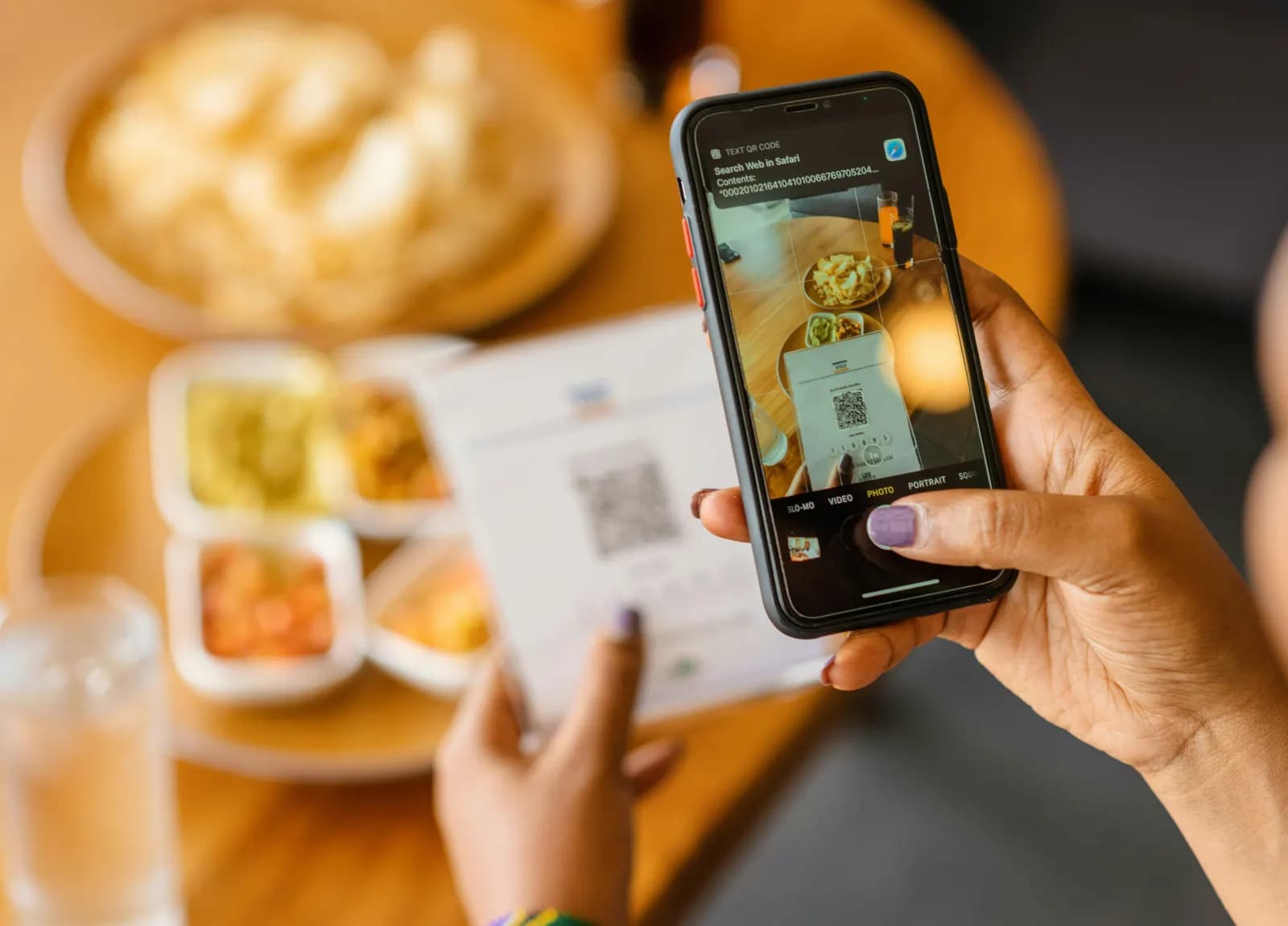
Direct ordering channel
A direct ordering channel is a way for customers to order from the restaurant itself, on a page carrying its name and identity, with no middleman between them.
On Qweelvo it is an ordering page with the restaurant's logo, colours and menu, opened from its link or a QR code, and the customer relationship stays with the restaurant itself.
Commission on orders
Commission on orders is a percentage of each order's value taken by the platform the order came through.
Delivery apps charge a commission on every order. Qweelvo takes no commission on orders, and the restaurant pays no fee per order: what it pays is a fixed subscription per branch.
Table ordering
Table ordering means a guest seated in the restaurant orders straight from their phone, without going to the till.
On Qweelvo the guest scans the QR code on the table, the restaurant's menu opens, and the order goes to the branch device. Ordering inside the restaurant is on every plan.
Ordering without an app
Ordering without an app means the customer orders from their phone's browser through a link, without downloading an app.
On Qweelvo the customer opens the restaurant's link or scans a QR code, and signs in with their mobile number and a one-time code, with no password.
Pickup at the branch
Pickup at the branch means the customer orders ahead, then comes by the branch and collects the order themselves.
On Qweelvo the customer chooses pickup while ordering, and the branch team sees the handover method with the order from the first moment. Pickup at the branch is on every plan.
Drive-thru (pickup at the branch window)
Drive-thru means the customer drives up to the branch window and collects the order without leaving the car.
On Qweelvo drive-thru is pickup at the branch window, at branches that have a drive-thru, available from the Growth plan up.
Order receiving device
An order receiving device is a device at the branch that shows incoming orders, so the team can accept them and start preparing.
Qweelvo supplies every branch with a handheld Sunmi device with a built-in printer: the order appears on it as soon as it arrives, and when the team accepts it, it prints the receipt.
E-invoicing
E-invoicing is issuing and keeping invoices in a structured electronic format, instead of paper or handwritten invoices.
On Qweelvo order invoices are issued electronically, in a format prepared for the Kingdom's e-invoicing requirements. We do not claim certification by any authority.
Subscription per branch
A subscription per branch is a fixed amount a restaurant pays for each branch, monthly or yearly, that does not change with the number of orders.
Qweelvo works on this model with three plans, and large groups have the Enterprise plan by agreement, with no commission on orders on any plan.
Your direct channel starts with a short conversation
We show you how the platform works for your own restaurant and work out with you when the subscription pays for itself.